

Configure the JMeter JSON JMESPath Assertion assertions: properties, defaults, and practical usage notes for building reliable load tests.
Part of the Assertions category. Also documented in context in the full Component Reference.
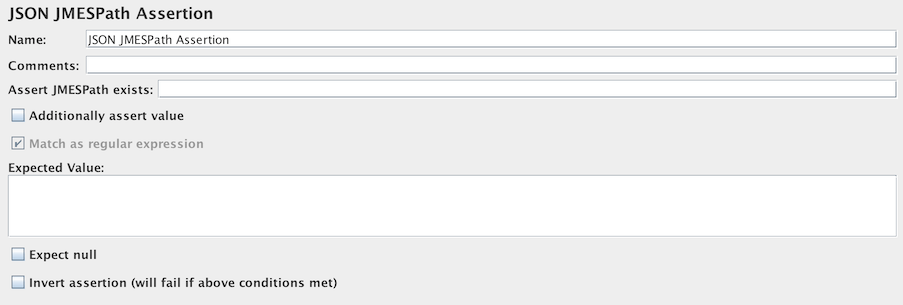
This component allows you to perform assertion on JSON documents content using JMESPath. First, it will parse the JSON and fail if the data is not JSON.
Second, it will search for specified path, using JMESPath syntax.
If the path is not found, it will fail.
Third, if JMES path was found in the document, and validation against expected value was requested, it will perform this additional check.
If you want to check for nullity, use the Expect null checkbox.
Note that the path cannot be null as the expression JMESPath will not be compiled and an error will occur. Even if you expect an empty or null response, you must put a valid JMESPath expression.
| Name | Required | Description |
|---|---|---|
| Assert JMESPath exists | Yes | Check that JMESPath to JSON element exists |
| Additionally assert value | No | Select checkbox if you check the extracted JMESPath against an expected one |
| Match as regular expression | No | Select checkbox if you want to use a regular expression for matching |
| Expected Value | No | Value to use for exact matching or regular expression if Match as regular expression is checked |
| Expect null | No | Select checkbox if you expect the value to be null |
| Invert assertion (will fail if above conditions met) | No | Invert assertion (will fail if above conditions met) |